Turn Your Financial Data Into 200 Passive Backlinks
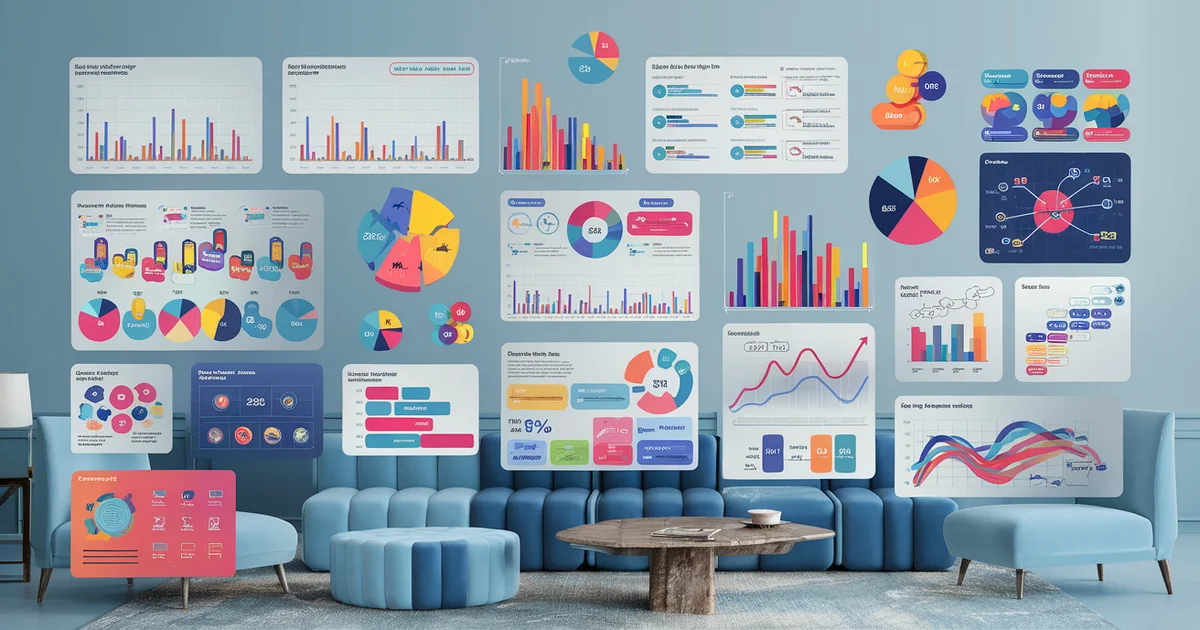
Financial charts and data visualizations uploaded to Unsplash and Pexels generate permanent backlinks as bloggers, journalists, and content creators embed your credited images across the web.
Every blog post about personal finance needs a hero image. Most bloggers search Unsplash or Pexels for a generic photo of someone holding a laptop or a stock chart on a screen. They download it, credit the photographer, and move on.
What if the photographer they credited was you? And what if the image they used contained your brand name, your website URL, and a data visualization that established you as an authority in the financial space?
This is the stock photo backlink strategy. It is one of the most underutilized content marketing approaches I have deployed across our 52-site network, and it generates backlinks on complete autopilot.
How the Strategy Works
The concept is straightforward:
- Create original data visualizations — charts, graphs, infographics — using financial data from your research
- Upload them to free stock photo platforms like Unsplash and Pexels
- Include your brand name or website URL in the image metadata and your photographer profile
- Wait for content creators to download and use your images in their articles
- Collect attribution backlinks automatically
When someone uses a stock photo from Unsplash or Pexels, the platform's license encourages (though does not require) attribution. Most professional bloggers and publications do attribute — linking back to the photographer's profile or website. Each attribution is a backlink from the publisher's domain to your profile or site.
The key differentiator is that you are not uploading generic photos. You are uploading original data visualizations that are genuinely useful to financial bloggers, journalists, educators, and content creators. A well-designed chart showing "Average HOA Fees by State" or "S&P 500 Annual Returns Over 50 Years" gets downloaded and embedded in articles across thousands of domains.
What to Create
Data Charts and Graphs
The highest-performing stock images in the finance niche are clean, well-designed charts that present commonly referenced data in a visually appealing format. Examples:
- Cost comparisons — "Average Monthly Homeownership Costs: New Build vs. Resale"
- Historical trends — "U.S. Home Insurance Premiums 2015-2026"
- Geographic breakdowns — "Median Home Price by Metro Area, 2026"
- Category distributions — "Where Your Tax Dollar Actually Goes"
Use publicly available data from sources like the Bureau of Labor Statistics, Census Bureau, Federal Reserve, or NAIC. The data is public domain, but your visualization is original creative work.
Infographic Segments
Full infographics are too complex for stock photo platforms. But individual segments — a single stat with a visual treatment, a mini comparison chart, or a process diagram — perform well. Think of them as modular infographic pieces that bloggers can drop into articles without overwhelming their layout.
Abstract Financial Imagery
Beyond data visualizations, create abstract images that represent financial concepts: budget pie charts, investment growth curves, debt payoff timelines. These fill the gap between generic stock photos and overly specific charts, making them useful across many articles.
Platform Selection
Unsplash
Unsplash has over 3 million photos and serves billions of downloads per year. It is the default stock photo source for most content creators, WordPress users, and designers. Images are licensed under the Unsplash License, which allows free commercial use with optional attribution.
To upload to Unsplash, you need an approved contributor account. The approval process requires submitting 5-10 high-quality sample images. Once approved, you can upload unlimited images.
Your Unsplash profile includes a bio field, a website link (followed backlink), and social media links. Every image you upload links back to your profile, creating a permanent connection between the image and your brand.
Pexels
Pexels is Unsplash's main competitor with a similar model. Images are licensed under the Pexels License (similar terms). Pexels has a slightly easier contributor approval process and tends to have less competition in niche categories.
Pexels also allows you to include a website link in your contributor profile and offers a portfolio page that functions as an additional web presence.
Other Platforms
Pixabay, StockSnap, and Kaboompics also accept contributor submissions. Each additional platform expands your distribution, but Unsplash and Pexels together cover the majority of the stock photo market.
Creating Effective Financial Visualizations
You do not need to be a designer. Several free tools produce professional-quality charts:
Datawrapper — Free for basic use. Creates clean, responsive charts from spreadsheet data. Export as PNG or SVG. Datawrapper is used by major publications including The Washington Post and The Guardian, so charts made with it look immediately credible.
Google Sheets — Export charts directly as images. The styling is basic but clean. For simple bar charts, line graphs, and pie charts, Google Sheets is sufficient.
Canva — Create chart-style infographics with preset templates. Canva's free tier includes enough design tools to produce stock-photo-quality visualizations.
Flourish — Free for public projects. Creates interactive charts that can be exported as static images. Flourish excels at animated and comparative visualizations.
Design Principles for Stock Photo Charts
- Minimal text. Stock images need to work across different article contexts. Too much text locks the image into a specific narrative.
- Neutral color palette. Avoid bright reds and greens (they imply good/bad judgments). Use blues, grays, and teals for universal applicability.
- High resolution. Upload at least 3000px wide. Stock platforms prioritize high-resolution images.
- Clean background. White or light gray backgrounds. Avoid textured or photographic backgrounds that limit composability.
- Subtle branding. Include your website URL as a small watermark or in the chart source line. "Source: thew2trap.com" in 8-point font at the bottom of a chart is professional, not promotional.
Maximizing Download Volume
Keyword Optimization
Unsplash and Pexels use keywords to surface images in search. Tag your images with the terms financial bloggers actually search for:
- finance, financial data, budget, investing, real estate
- chart, graph, data visualization, infographic, statistics
- economy, market, stocks, housing, insurance
Use 15-20 tags per image. Include both broad terms ("finance") and specific terms ("HOA fees comparison chart").
Collection Curation
Both Unsplash and Pexels allow you to organize images into collections. Create themed collections like "Real Estate Data Visualizations" or "Personal Finance Charts." Collections appear in search results and attract subscribers who want access to your entire catalog.
Seasonal Updates
Refresh your visualizations quarterly or annually with updated data. "U.S. Inflation Rate 2020-2026" has a limited shelf life. Uploading an updated version in January keeps your images relevant and triggers a recency boost in search results.
Tracking Results
Direct tracking of stock photo backlinks requires backlink monitoring tools like Ahrefs, Moz, or the free Google Search Console links report. Set up alerts for new backlinks to your domain and your stock photo profile URLs.
In our experience, a catalog of 50 financial visualizations on Unsplash generates approximately 20-40 attributable backlinks within the first six months. The backlink accumulation accelerates over time as the images spread through content creation communities and get recommended in "best free stock photo" roundup articles.
The backlinks come from an extraordinarily diverse range of domains — financial blogs, educational institutions, news outlets, social media management companies, and marketing agencies. This diversity is valuable for SEO because it signals to Google that your site is referenced across multiple industries and contexts.
The Long Game
Stock photo backlinks compound. An image uploaded today might not generate its first backlink for months. But once embedded in articles, those articles stay online for years. Every new article that uses your image is an additional permanent backlink.
I uploaded the first batch of 30 financial visualizations six months ago. They have generated over 150 downloads and are embedded in articles across domains I have never heard of. The backlinks flow in without any ongoing effort on my part.
The total time investment was approximately 12 hours to create and upload the initial batch. The ongoing maintenance is zero — the stock photo platforms handle hosting, search, and distribution.
For the complete passive backlink playbook and 49 other marketing strategies, see The W-2 Trap and the companion strategy guide in The $100 Dollar Network.